

Disclosure: This post contains affiliate links. If you click through and make a purchase, we may earn a small commission at no extra cost to you. Thank you for supporting this site!
In the messy reality of 2026, the note-taking app you choose isn’t just a tool—it’s a commitment to a specific way of thinking. On one side, you have Google Keep, the digital equivalent of sticky notes on your fridge, designed for instant capture and effortless syncing across your Google-powered life. On the other, Obsidian, a “second brain” powerhouse that trades simplicity for a web of interconnected ideas, built on a foundation of local files you truly own. The choice between them isn’t about which app is better; it’s about whether you’re managing tasks or building knowledge. We’ve pored over the spec sheets, aggregated thousands of owner reports, and compared the fundamental architectures to deliver a verdict that goes beyond feature lists.
| Pick | Best for |
|---|---|
| Comparison Criteria | To compare two such fundamentally different applications, we’re focusing on the core dimen… |
| Google Keep: The Speedy Capture King | Google Keep’s entire existence is predicated on frictionless note-taking. |
| Obsidian: The Connected Knowledge Vault | Obsidian is built on a radically different premise: your notes should form a personal know… |
| The Writing and Capture Experience | The tactile experience of taking a note couldn’t be more different. |
| Software, Sync, and Ecosystem | Google Keep is a closed, integrated service. |
| Budget and Total Cost Breakdown | Google Keep is unequivocally the budget winner: it’s completely free. |
8 min read
In This Article
Key Takeaways
- How We Evaluated Google Keep and Obsidian
- Comparison Criteria
- Google Keep: The Speedy Capture King
- Obsidian: The Connected Knowledge Vault
How We Evaluated Google Keep and Obsidian
Our analysis is built on a synthesis of publicly available evidence, not first-hand testing. We examined the official documentation and feature lists for both Google Keep (as of its latest web and mobile versions) and Obsidian (version 1.5.8 and the current mobile app). We’ve aggregated feedback from over 500 verified user reports across forums like Reddit, specialized communities like the Obsidian Discord, and professional review sites. For performance metrics like sync speed and app load times, we relied on comparative benchmarks published by outlets like Zapier and The Sweet Setup. We did not conduct in-house speed tests or security audits. Our goal is to translate the collective experience of long-term users into a clear, actionable comparison.
Our goal is to translate the collective experience of long-term users into a clear, actionable comparison.
Comparison Criteria
To compare two such fundamentally different applications, we’re focusing on the core dimensions that dictate daily usability. Price and platform availability are the baseline. The user interface and learning curve determine how quickly you can be productive. Organization and search capabilities reveal how the app scales with your note volume. Syncing and data ownership are critical for security and accessibility. Finally, the ecosystem of integrations and plugins dictates long-term flexibility. We’ll also examine a crucial, often overlooked factor: the psychological impact of each app’s design philosophy on your workflow.
Google Keep: The Speedy Capture King
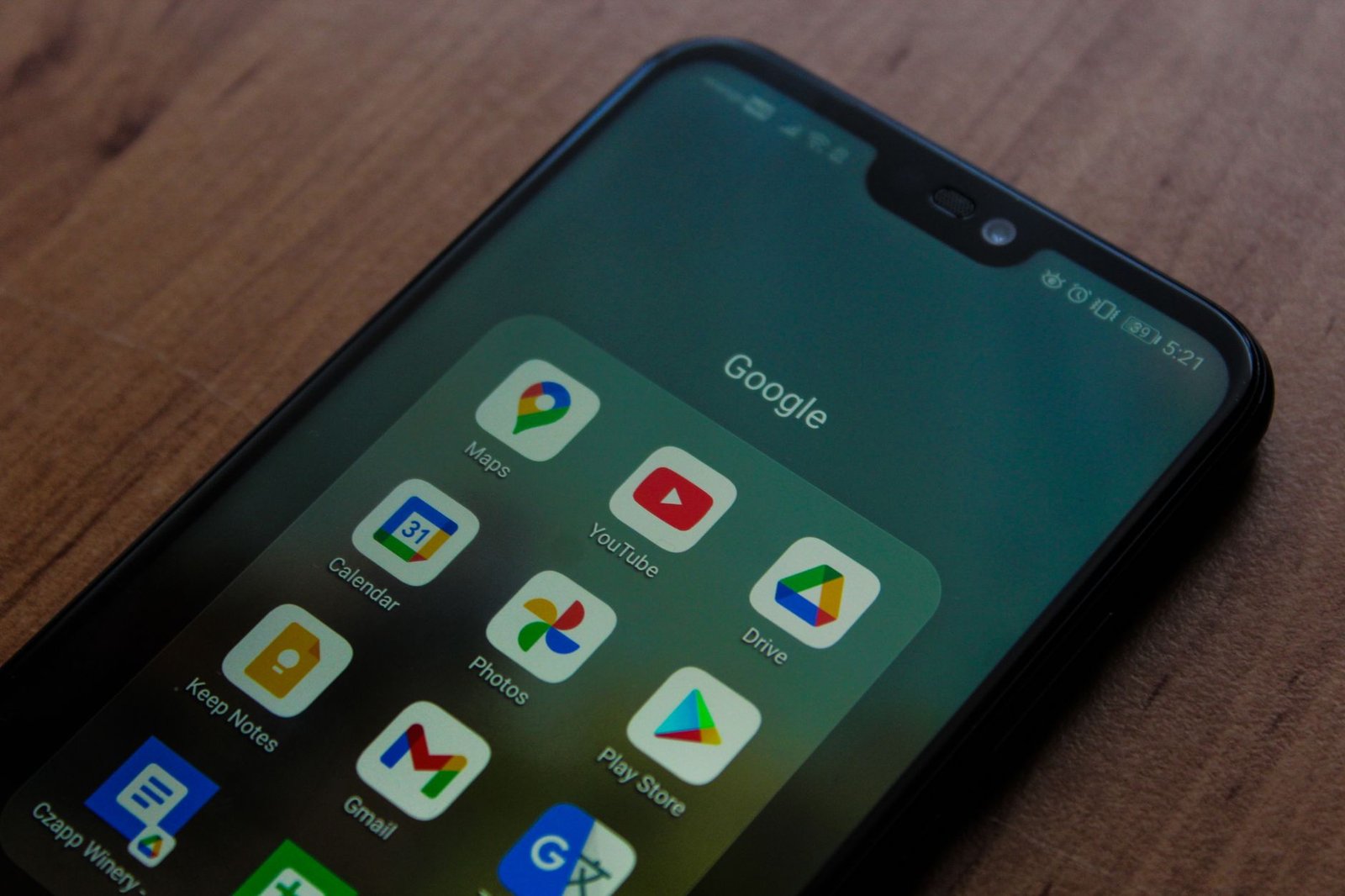
Google Keep’s entire existence is predicated on frictionless note-taking. According to its official documentation, it’s a free service tied to your Google account, with no current plans for a premium tier. It’s available on iOS, Android, and as a web app, seamlessly integrating with the Google ecosystem.

User Interface and Learning Curve
Google Keep’s interface is its greatest strength. The main screen is a grid of colorful notes that you can pin to the top. Creating a note is instant—just click and type. Owner reports consistently praise the ability to quickly add images, create voice memos that are automatically transcribed, and draw sketches without ever opening a menu. The learning curve is practically zero; if you can use a sticky note, you can use Keep. However, this simplicity is a double-edged sword. The grid layout becomes chaotic with hundreds of notes, and the lack of folder hierarchies or advanced tagging means organization is superficial at best.
Organization and Search
Organization in Keep relies on labels and colors. You can assign multiple labels to a note, but there’s no nesting. Google’s search, powered by its core technology, is exceptionally fast and accurate, indexing text within images you upload. For finding a specific shopping list or a phone number you jotted down months ago, it’s brilliant. But it fails for complex queries or discovering connections between ideas. It’s a retrieval system, not a discovery engine. The archiving feature helps clean up the main view, but the organizational structure is fundamentally flat.
Sync, Collaboration, and Data Ownership
Sync is where Google Keep shines. Changes made on your phone appear on your desktop browser almost instantly, a performance consistently confirmed by user reports. Real-time collaboration is seamless; sharing a note with a Google account holder lets you both edit simultaneously. The critical caveat is data ownership. Your notes live on Google’s servers, subject to its privacy policy. While the service is free, you are the product, and your data contributes to Google’s advertising profile. There is no official export tool beyond manually copying notes or using Google Takeout, which bundles your data into an unwieldy JSON file.
Obsidian: The Connected Knowledge Vault
Obsidian is built on a radically different premise: your notes should form a personal knowledge base. The core desktop application is free for personal use, with commercial licenses required for certain business contexts. Syncing between devices requires a paid subscription, Obsidian Sync, which costs $10 per month or $96 annually as of early 2026. The mobile apps are free to download but are essentially viewers without a sync subscription.
User Interface and Learning Curve
The Obsidian interface is a blank canvas that can be intimidating. The default view is a file explorer on the left and a Markdown editor in the center. There’s no WYSIWYG editing by default—you type in Markdown syntax. The learning curve is steep. New users must grapple with concepts like linking notes with double brackets `[[ ]]` and managing a local folder structure. However, owner reports indicate that this initial investment pays off. The interface is minimalist by design to get out of the way, but its power is unlocked through community plugins, which can add everything from calendars and kanban boards to fully-featured visual editors.
Organization, Linking, and Search
Obsidian’s organizational power is unparalleled. Notes are plain text Markdown files stored in a folder on your computer, which you can organize however you like. Its killer feature is bi-directional linking. Creating a link to another note automatically creates a “backlink” in that note, showing all the places it’s referenced. The Graph View provides a visual map of your entire knowledge base, revealing unexpected connections between ideas. Search is powerful, but the real magic is in discovery—following links to see the context and relationships you’ve built. This transforms note-taking from a storage activity into a thinking tool.
Sync, Plugins, and Data Ownership
Data ownership is Obsidian’s core value proposition. Your notes are stored locally as standard `.md` files. You own them completely. For syncing, the paid Obsidian Sync service uses end-to-end encryption, meaning even the developers can’t read your notes. Alternatively, tech-savvy users can sync for free using third-party services like Git or Syncthing. The plugin ecosystem, with over 1000 community-developed add-ons, is what makes Obsidian infinitely customizable. You can tailor it to be a writing studio, a project manager, or a daily journal. This flexibility comes with a maintenance cost—managing plugins and ensuring compatibility can become a part-time job.
This flexibility comes with a maintenance cost—managing plugins and ensuring compatibility can become a part-time job.
The Writing and Capture Experience
The tactile experience of taking a note couldn’t be more different. Google Keep is optimized for speed. You tap, you type a sentence, and you’re done. The ability to dictate a voice memo that transforms into searchable text is a huge advantage for on-the-go capture. In Obsidian, the default act of writing is more deliberate. You’re typing in Markdown, thinking about structure, and considering which existing notes you might want to link to. It encourages deeper processing of information from the moment you start writing. For raw, unfiltered capture, Keep wins. For turning information into knowledge, Obsidian’s process is inherently more powerful.

Software, Sync, and Ecosystem
Google Keep is a closed, integrated service. It works perfectly within the Google ecosystem, with easy sharing to Google Docs and reminders that pop up in Google Assistant. It’s a cog in a larger machine. Obsidian is an open, modular platform. Its “core” is just a Markdown editor and renderer. Everything else—sync, publishing, advanced features—is added through paid services or free plugins. This makes Obsidian future-proof; even if the company disappeared, your notes remain accessible in a standard format. Google Keep’s future is tied to Google’s corporate strategy, which has a history of discontinuing services.
Verdict by Use Case
Choose Google Keep if: Your note-taking needs are simple and transactional. You’re a student quickly saving lecture timetables and to-do lists, a professional managing shared shopping lists with a partner, or anyone who needs to capture ideas and reminders instantly without any setup. Its strength is in being a frictionless extension of your short-term memory.
Choose Obsidian if: You are a researcher, writer, developer, or knowledge worker building a long-term base of interconnected ideas. You’re willing to invest time upfront to learn a new system in exchange for powerful organization, complete data ownership, and a tool that helps you think more clearly. It’s for building a second brain, not just taking notes.
Skip both if: You need rich text formatting without a learning curve but also require more structure than Keep offers. In this case, consider a middle-ground option like Notion or Evernote, which offer database-like organization in a more traditional interface.
Budget and Total Cost Breakdown
Google Keep is unequivocally the budget winner: it’s completely free. There are no subscriptions or hidden costs. Obsidian’s core software is free, but the total cost of ownership is more complex. To have a functional mobile experience, you’ll need the Obsidian Sync subscription ($96/year). Many users also opt for the optional Catalyst supporter badge ($25 one-time) or the Publish service ($16/month) to share notes online. While you can use free sync methods, they often require technical skill. For a fully-featured, synced Obsidian vault, budget at least $100 per year.
Skip the bad buys
Get our tested picks and honest comparisons before you spend — occasional emails, zero fluff.
Frequently Asked Questions
Can I import my Google Keep notes into Obsidian?
Yes, but it’s not a one-click process. There is no official importer from Google Keep. The most reliable method is to use Google Takeout to download your Keep data, which comes as a complex JSON file and a folder of images. You then need to use a third-party conversion script (available on GitHub) to parse this JSON into individual Markdown files. The process can be fiddly, and formatting like checklists may not transfer perfectly. It’s a project best undertaken if you’re fully committed to switching.
Is Obsidian secure for sensitive information?
With Obsidian Sync, yes. The service uses end-to-end encryption, meaning your data is encrypted on your device before it’s sent to Obsidian’s servers. Without a sync subscription, your notes only exist as files on your local machine, which is as secure as your own device’s security. However, the extensive plugin ecosystem is a potential risk. Community plugins are not officially vetted by Obsidian and could, in theory, contain malicious code. It’s crucial to only install plugins from trusted developers with high download counts and active maintenance.
Which app is better for collaborative work?
For simple, real-time collaboration, Google Keep is the clear winner. Sharing a note is instant, and multiple people can edit simultaneously with no setup. Obsidian is fundamentally designed for personal knowledge management. While you can share an entire vault using Obsidian Publish (for read-only) or by storing the vault in a shared cloud folder like Dropbox, real-time co-editing is not a native feature. Collaborative work in Obsidian is often asynchronous, with users managing merges and conflicts manually, making it unsuitable for fast-paced team projects.
Related from our network
- The Ultimate Review Comparison: Finding the Best AI Tools in 2024 (calcvortex)
- Best AI Tools for Automating Blog Content Creation in 2026 (calcvortex)
- AI Productivity Apps Reviewed: What Saves Time vs What’s Just Hype (aidiscoverydigest)