
3 Digital Note Systems Tested: Meeting Notes That Survive the Week
The verdict: if your meeting notes need to survive past Friday afternoon — searchable, exportable to Slack or email, backed up somewhere that isn't a single tablet — bu
The verdict: if your meeting notes need to survive past Friday afternoon — searchable, exportable to Slack or email, backed up somewhere that isn't a single tablet — bu
The best student note-taking setup costs under $350. iPad 9th gen + Logitech Crayon + GoodNotes 6 + a proven capture-process-retrieve workflow. No fluff.
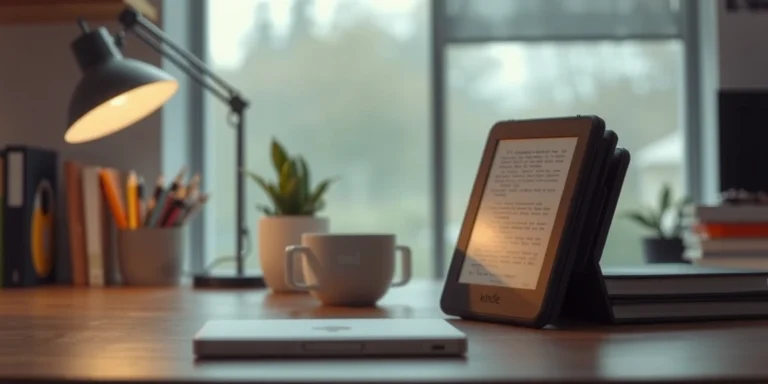
The Kindle Scribe is worth it if you already live inside Amazon's Kindle library, want one slab for reading and jotting margin notes, and have made peace with a closed ecosystem. I
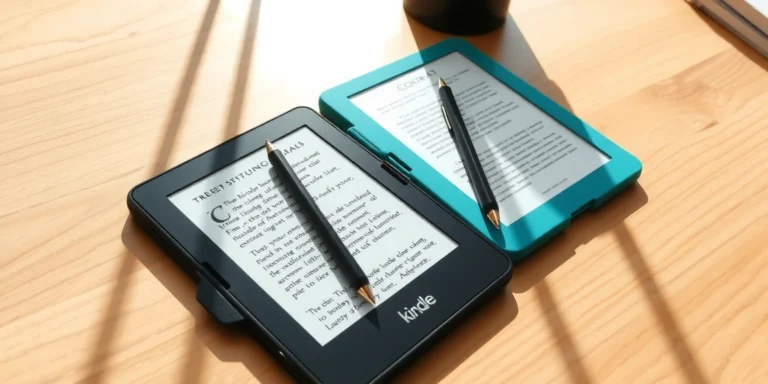
Buy the Kindle Scribe if note-taking is the actual job: it has a 10.2-inch grayscale screen built for full-page handwriting, a pen bundled in the box, and a dedicated notebook app
Buy GoodNotes 6 if you annotate PDFs and textbooks constantly and want the option to pay once and stop thinking about it. Buy Notability if audio-linked lecture notes are your actu
The honest answer: under $300, you get a smaller screen, worse handwriting latency, and either an ecosystem cage (Amazon) or a bring-your-own-app situation (Android e-ink), but you
The reMarkable 2 wins on writing feel and gets out of your way, the Kindle Scribe wins if you already own a Kindle library and want the least fuss, and the Boox Note Air3 wins if y
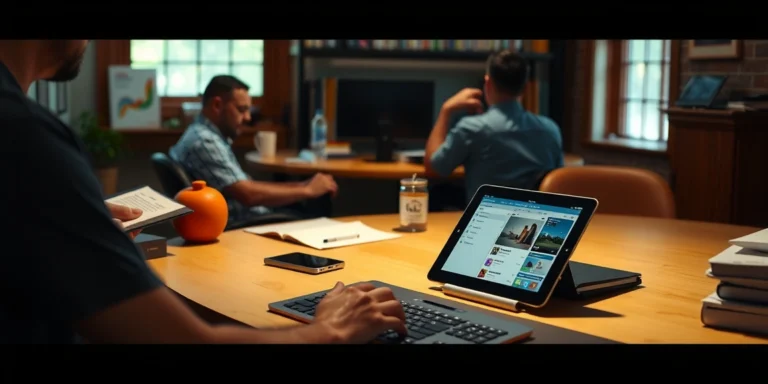
GoodNotes 6 wins for most people who want the closest thing to paper with a search bar attached; Notability wins if you record audio during lectures or meetings and need it synced